FROM JIRA CLOUD
People, projects and logged hours
Synced every five minutes.
WORKS WITH JIRA CLOUD
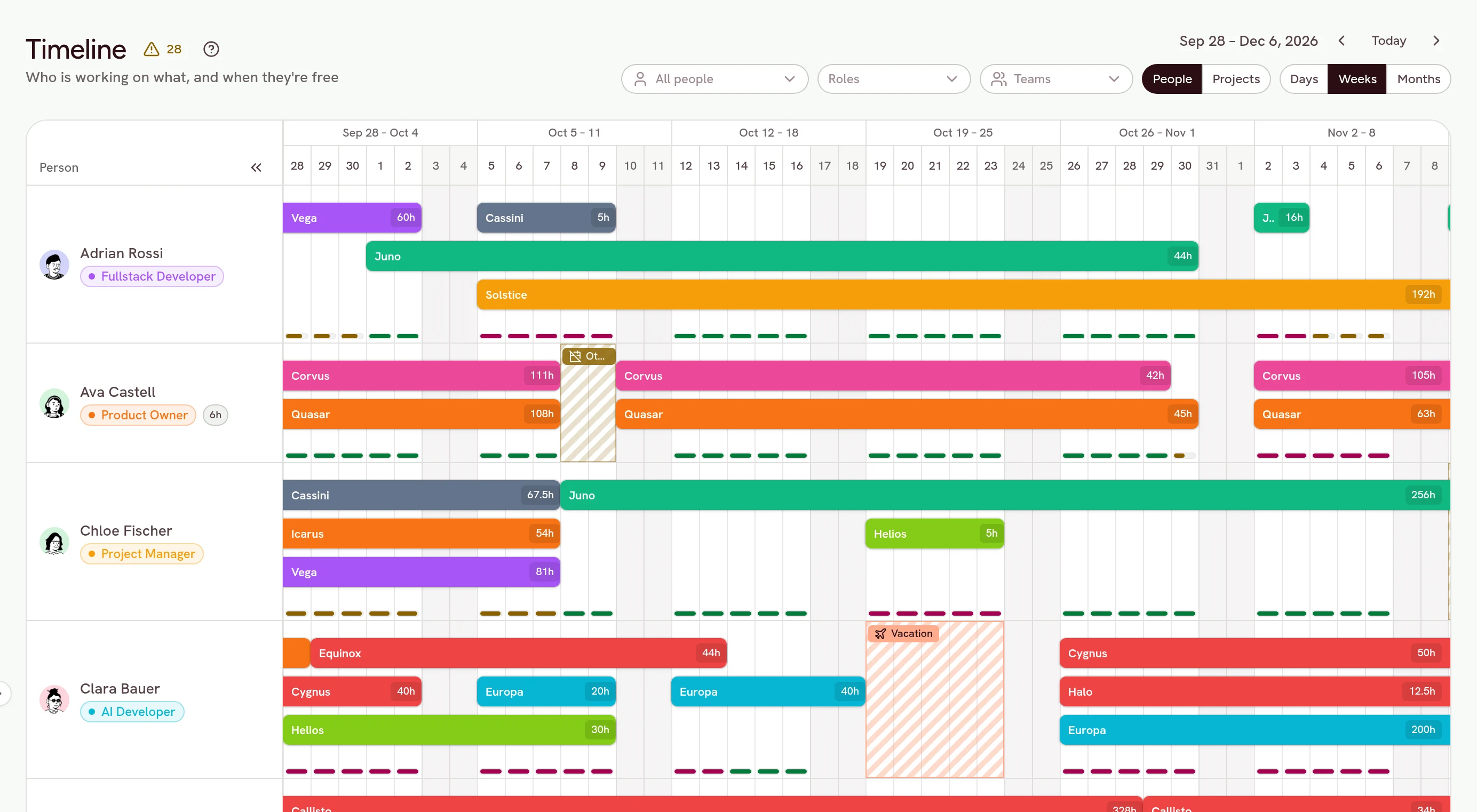
Book people weeks ahead and see who’s free or overbooked. People, projects and logged hours come from Jira, where your team keeps working. Add salaries and expenses, and Plannecs counts what you actually pay, not hours × rate.
HOW IT WORKS
Plannecs only reads from Jira, and your team keeps working there. Enter time off by hand, or connect your HR system to sync it.
FROM JIRA CLOUD
Synced every five minutes.
FROM YOU
Entered in Plannecs. Leadership sees all of it; anyone else only what you grant.
FROM YOU OR YOUR HR SYSTEM
Entered by hand, or synced from your HR system. It reduces a person’s availability on the plan; it never changes what they cost.
WHAT YOU GET
Portfolio
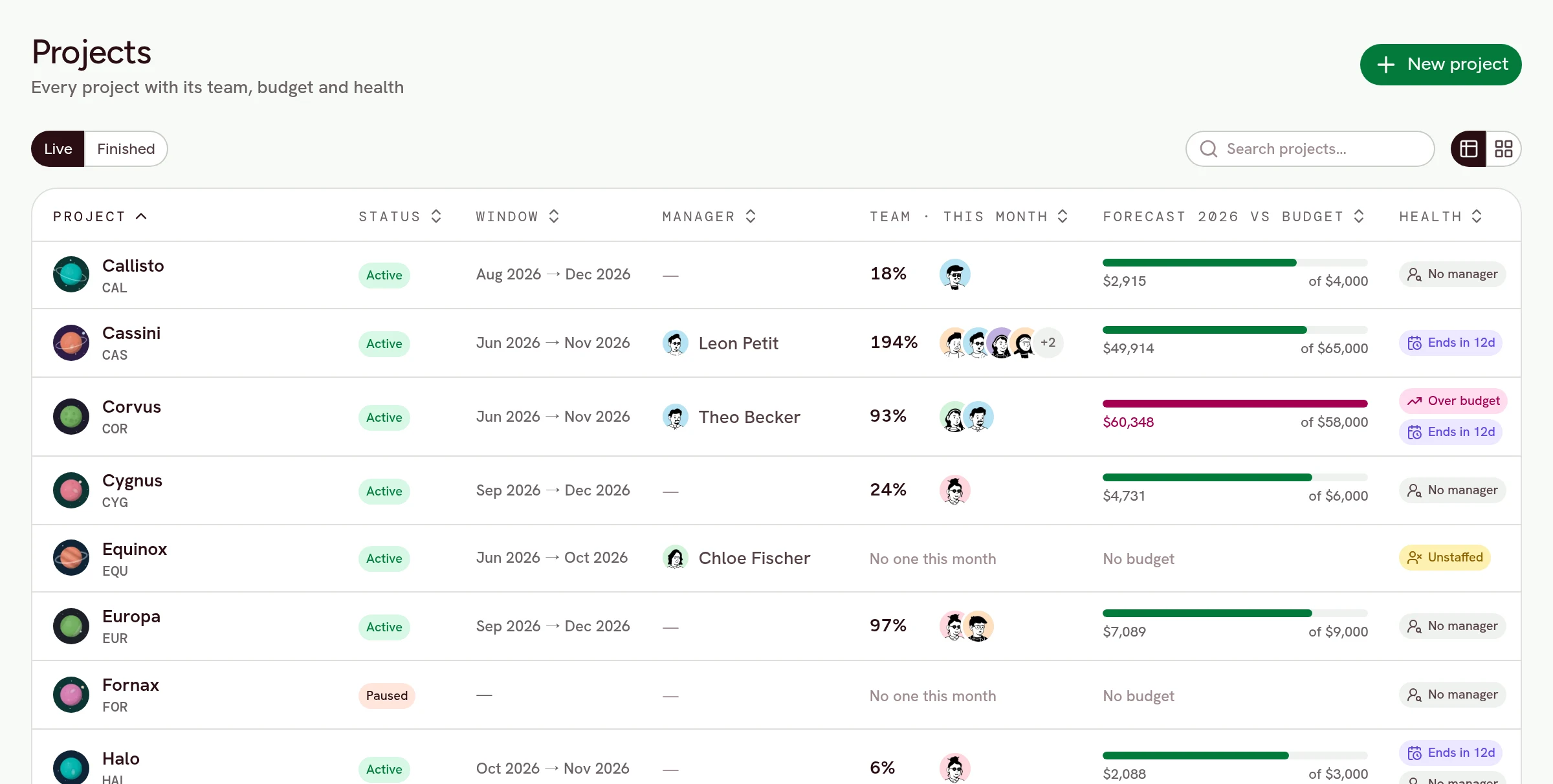
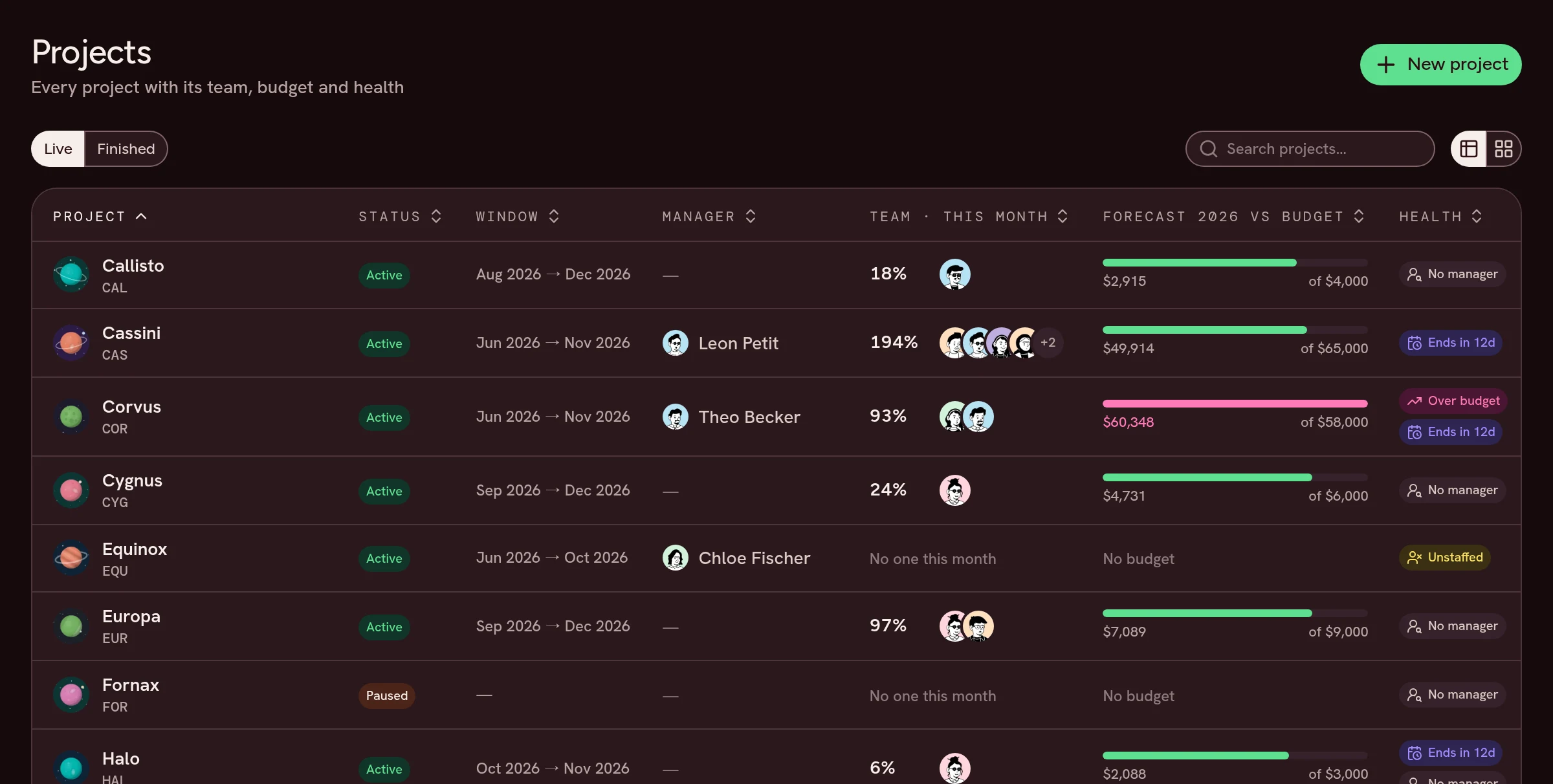
Each row shows the manager, who is on the project this month, and the year’s forecast against its budget. Sort by health to put the most flagged projects on top. A paused or finished project that still has costs running is flagged too.
Every change to a booking, a budget or a salary is logged: who made it, the value before and after, and whether it came from a person, the Jira sync or an AI assistant. Each project and person has its own history.
Capacity
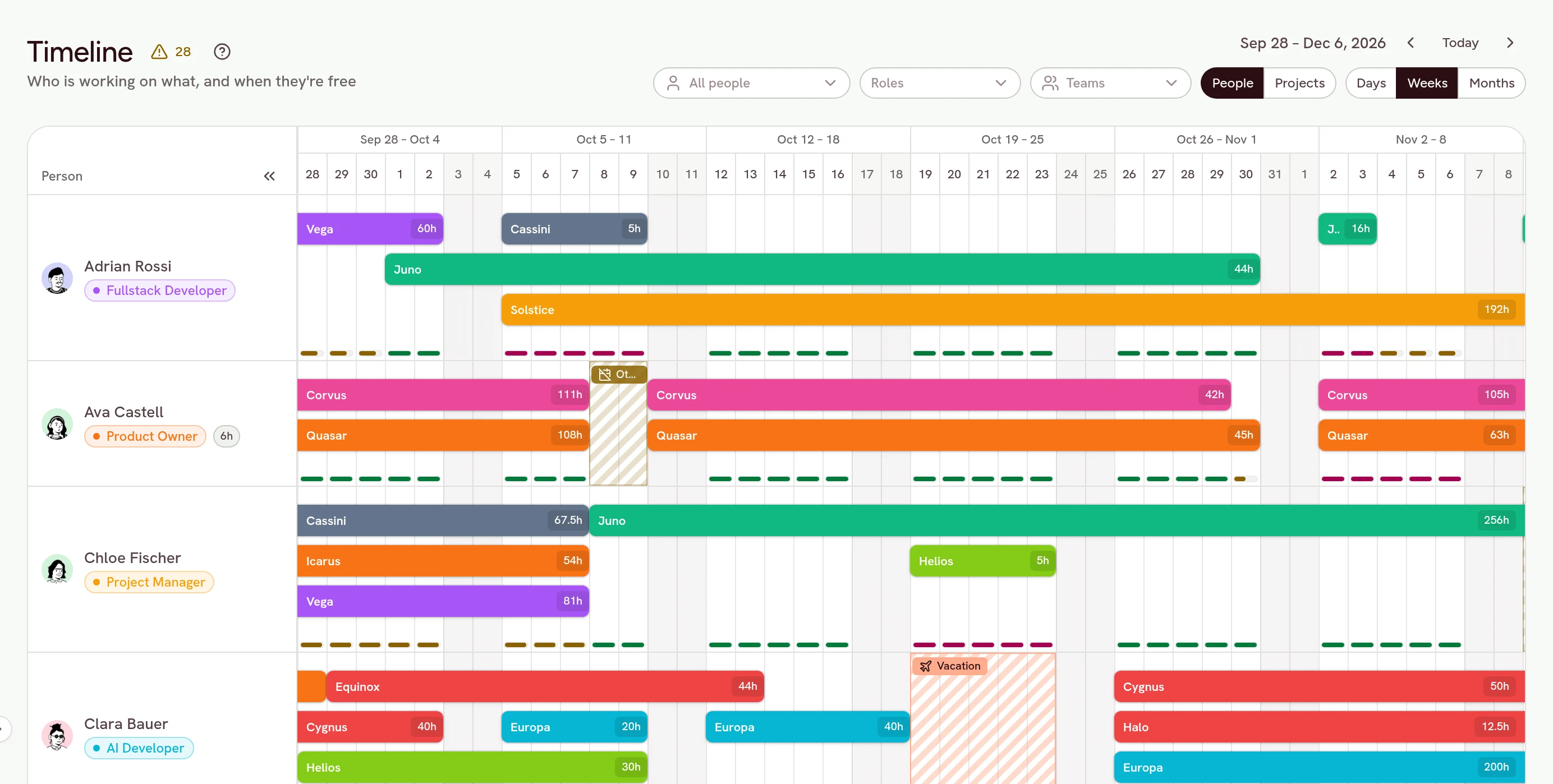
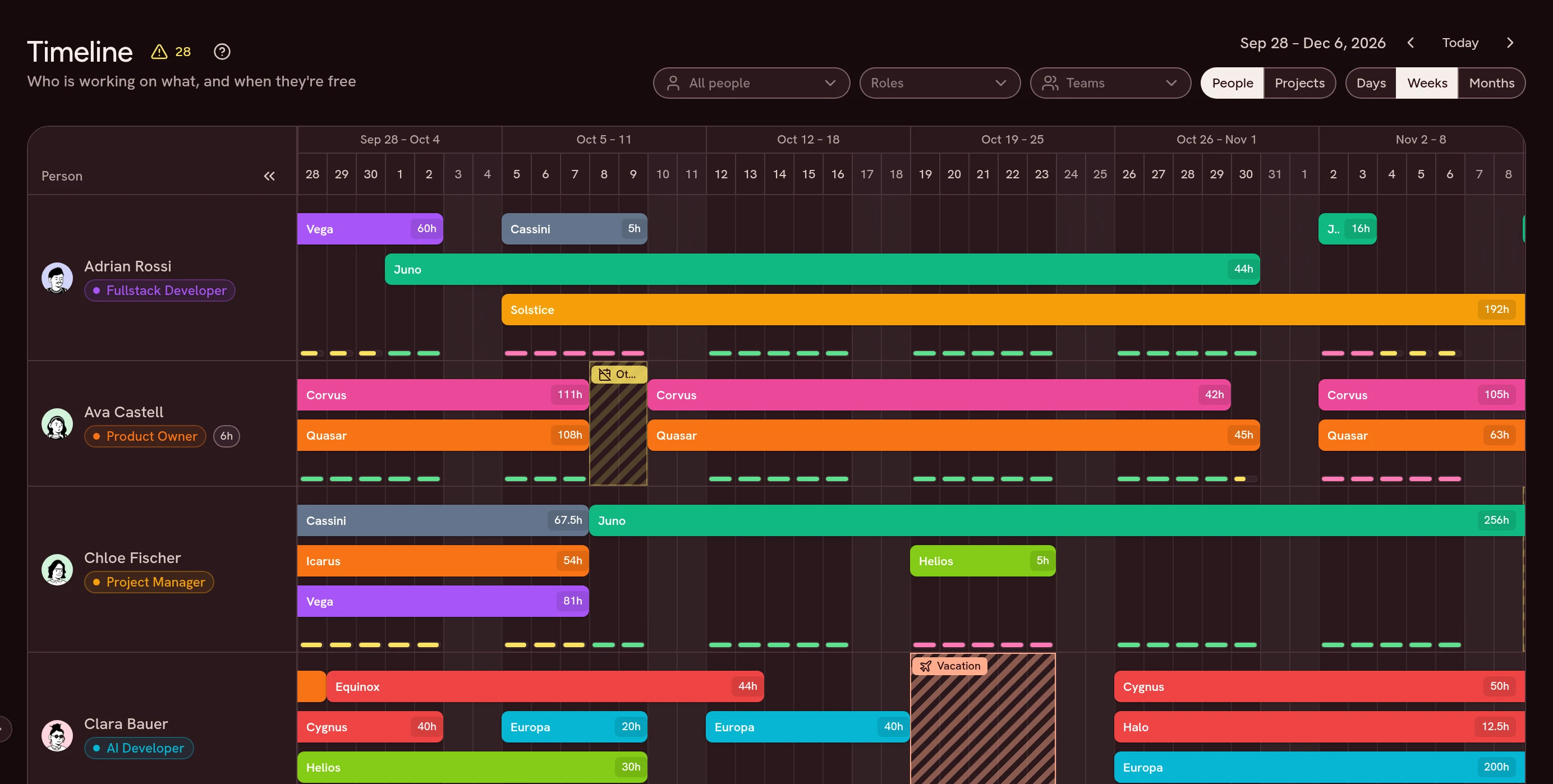
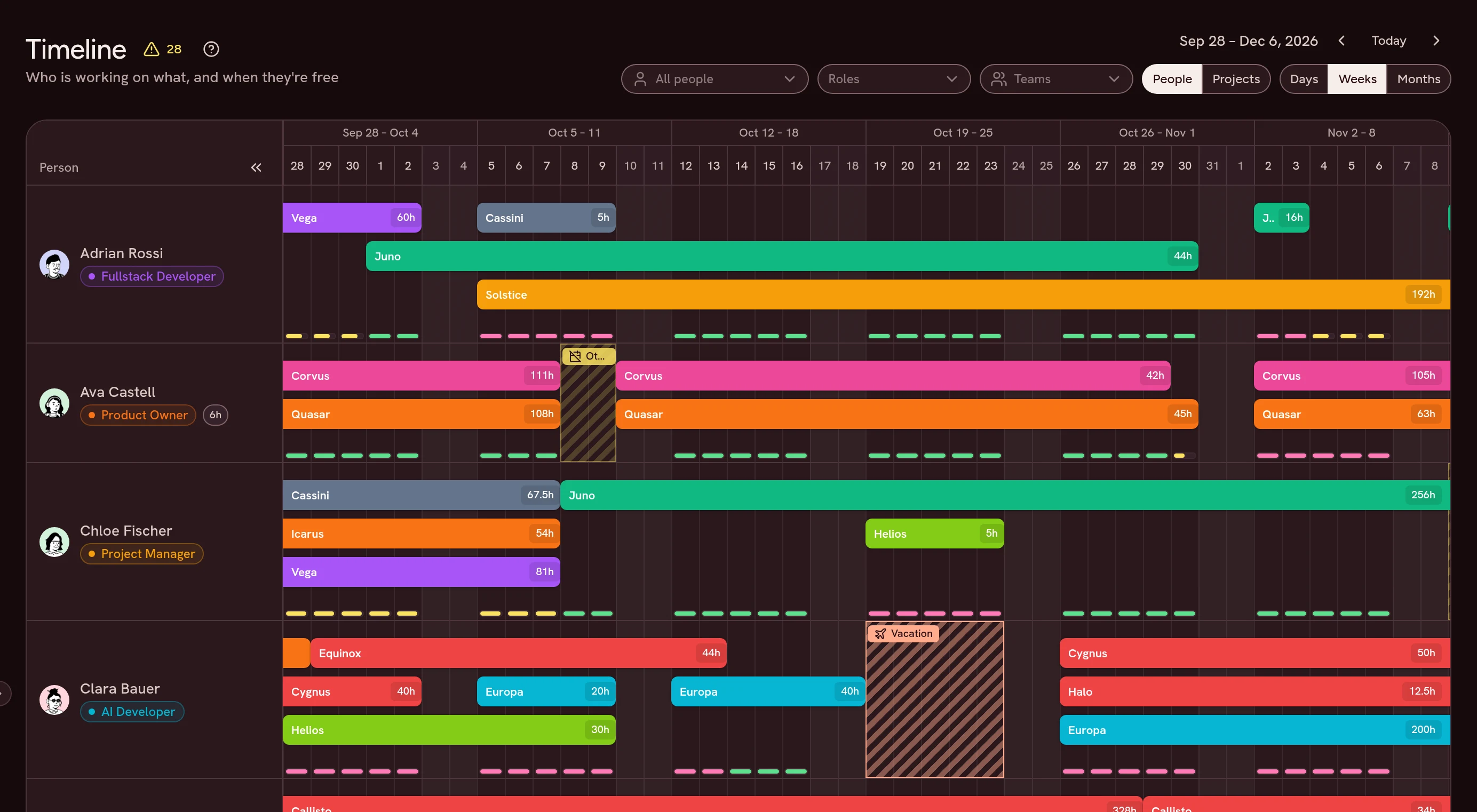
See who has room for another project and who has too much on their plate. The timeline helps you reduce bench time and avoid overload. Time off, entered by hand or synced from your HR system, keeps the plan grounded in who is actually there.
Pencil in a deal before it’s signed with a tentative booking, and decide whether drafts count toward capacity and cost. Draft projects and placeholder people cover work and hires Jira doesn’t know yet; attach them to the real thing when it arrives.
Delivery
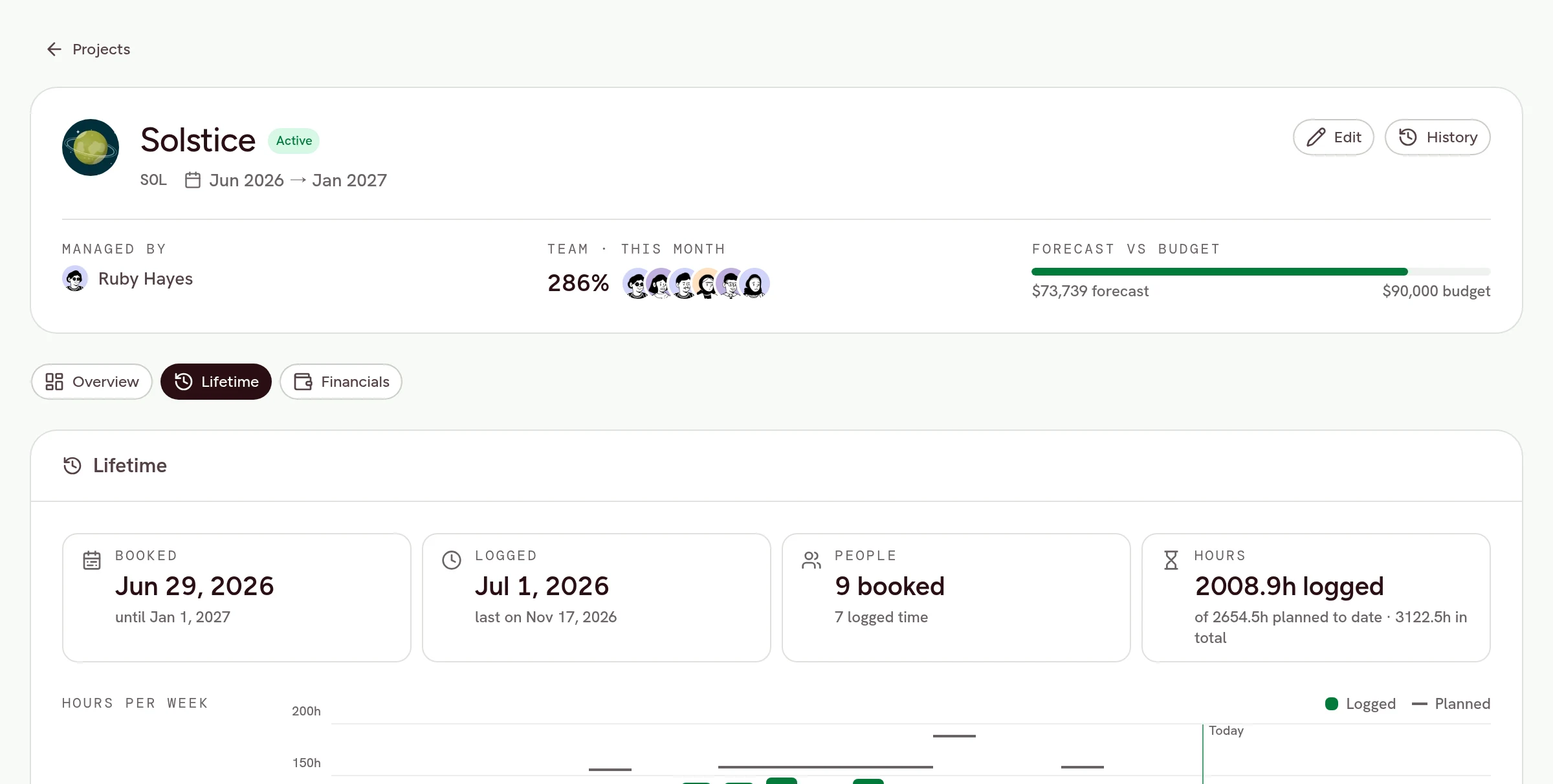
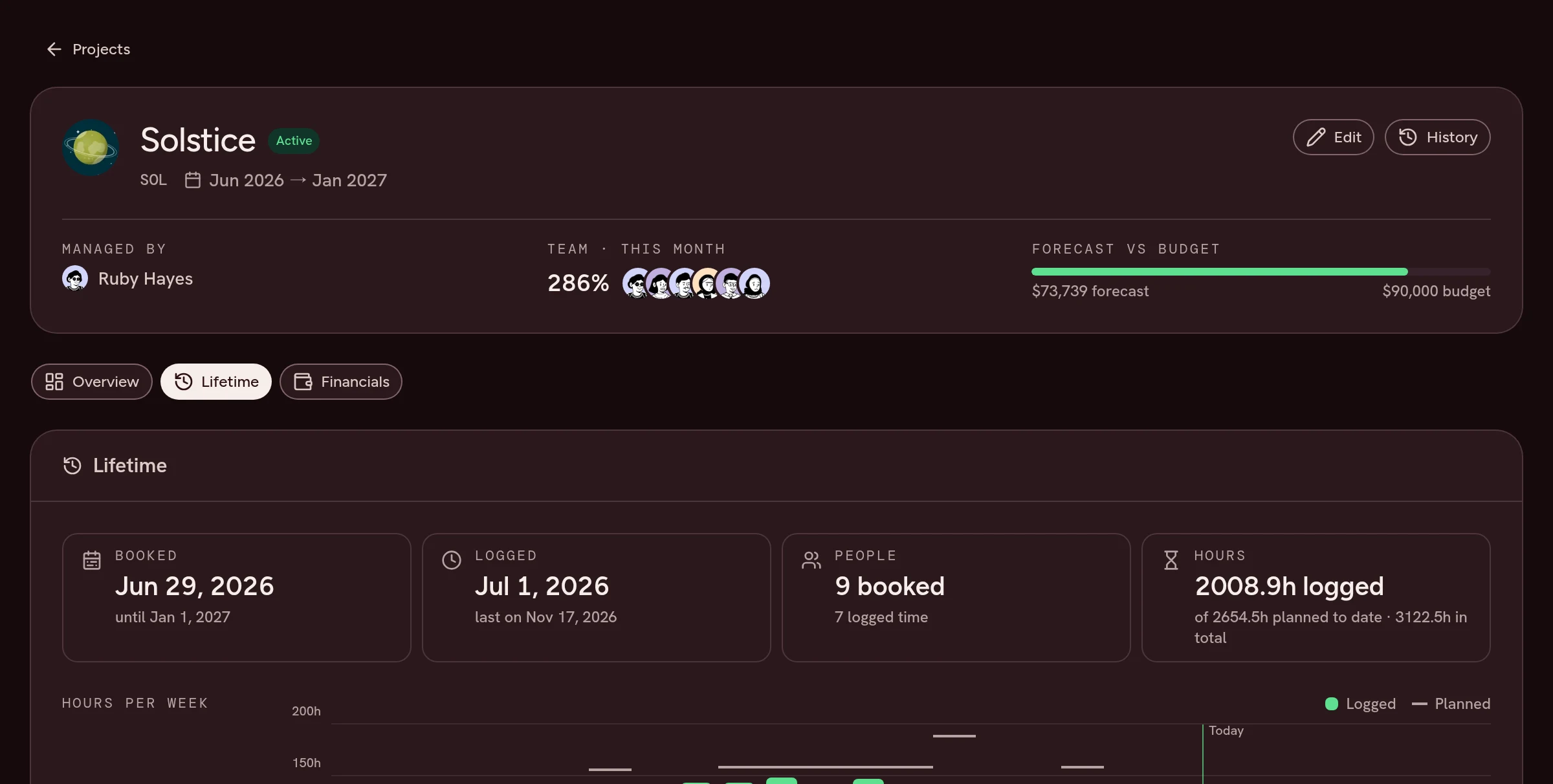
A project manager sees everyone on their projects, including how much of each person’s time other projects already hold. Timesheets and assignments show what each person works on and how many projects they support, so managers check before adding more.
Timesheets
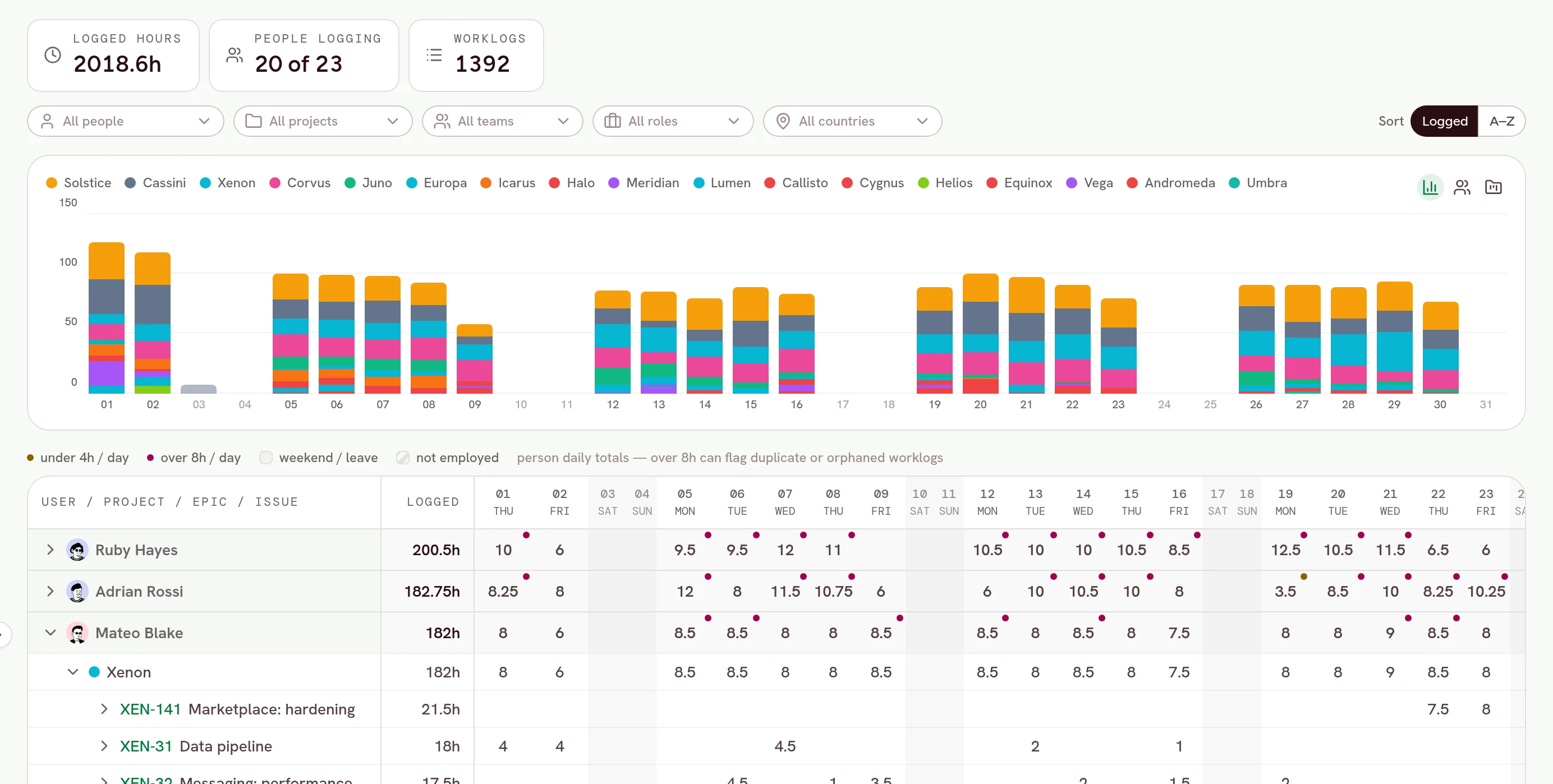
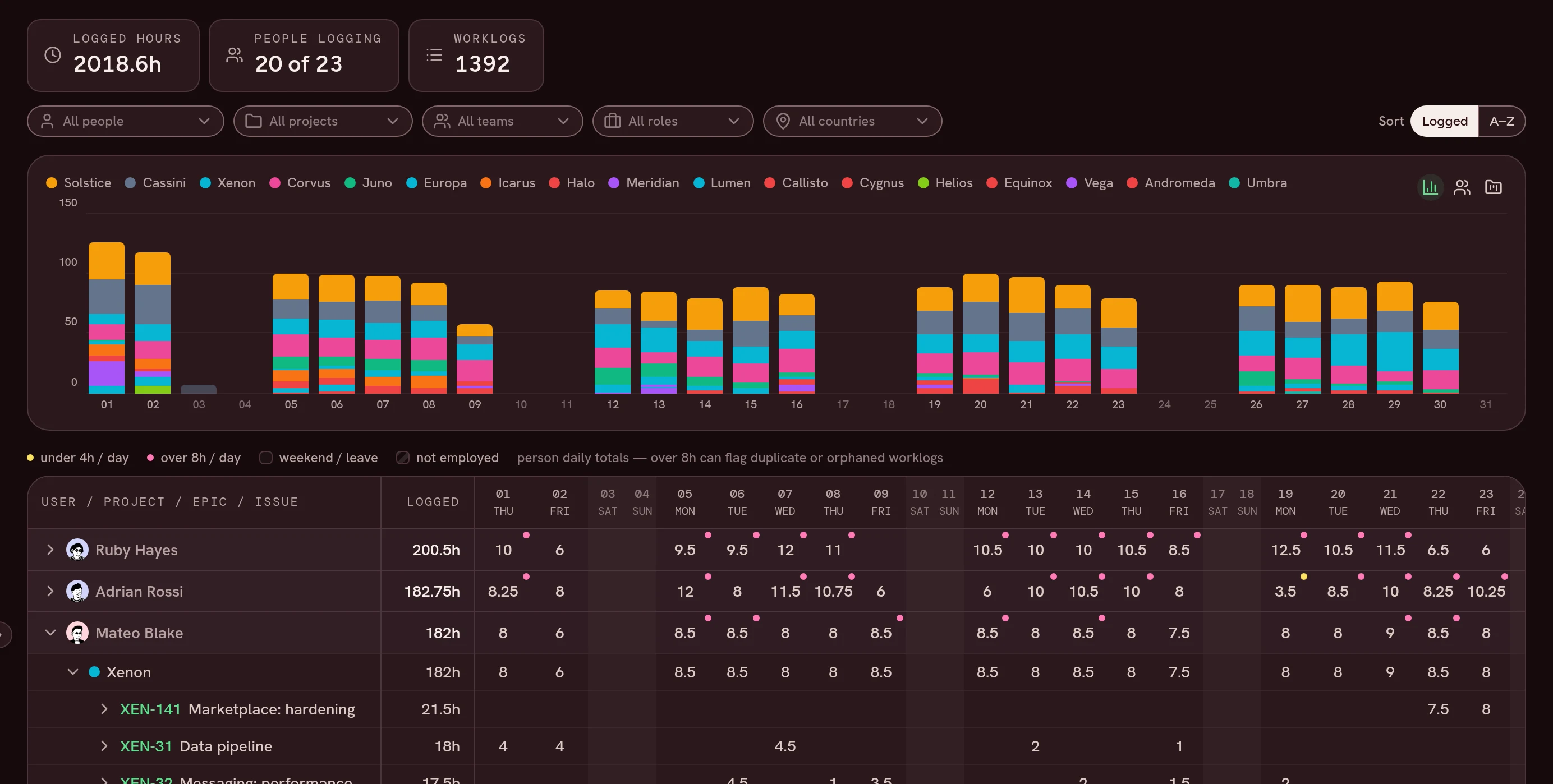
Open anyone’s month to see their projects, epics and Jira tickets, day by day. Filter by project, team or role, and export to CSV.
Your team keeps logging in Jira. Anyone whose previous working day is short of hours gets a reminder, and a Monday email recaps their week.
Money
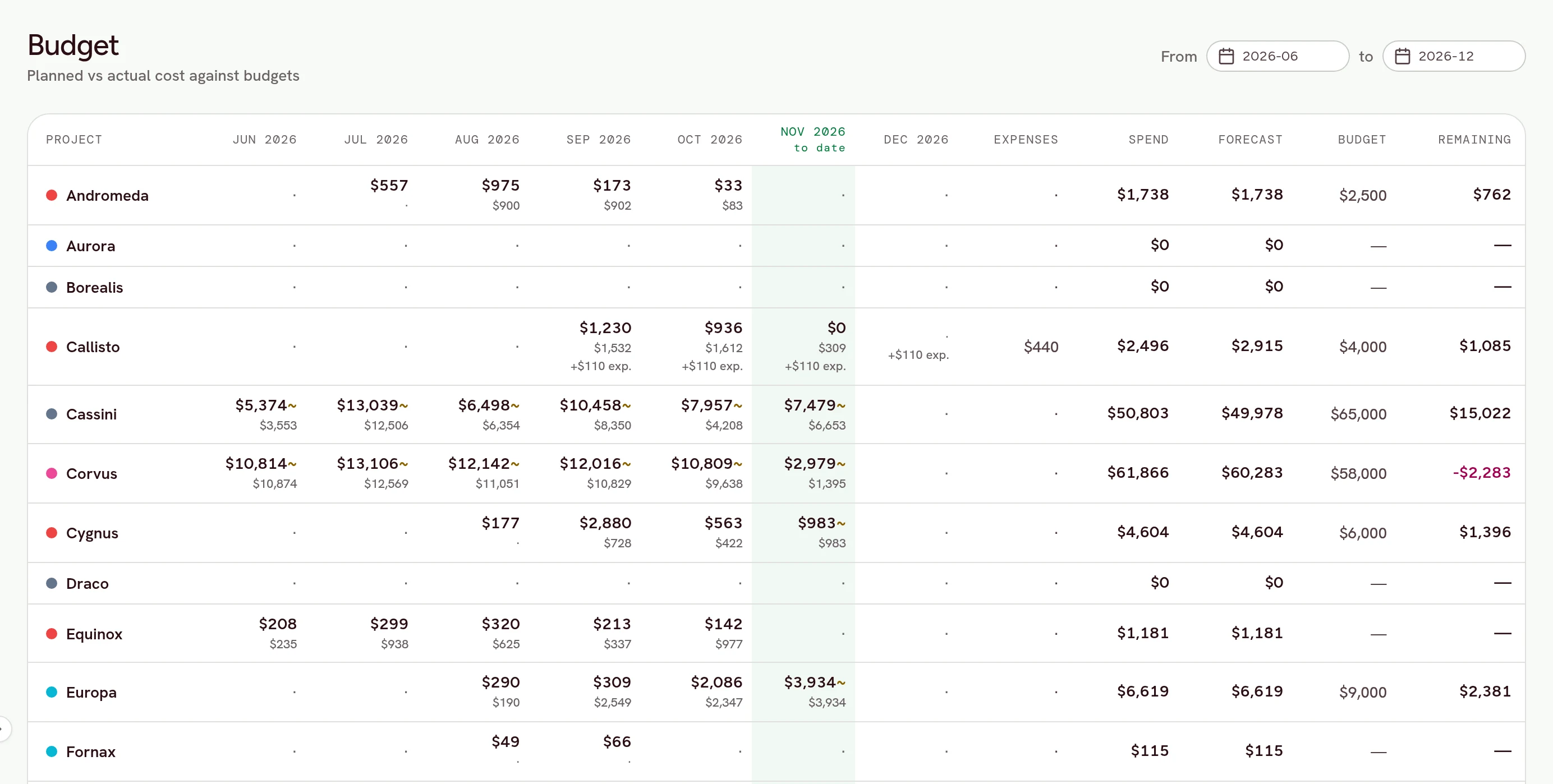
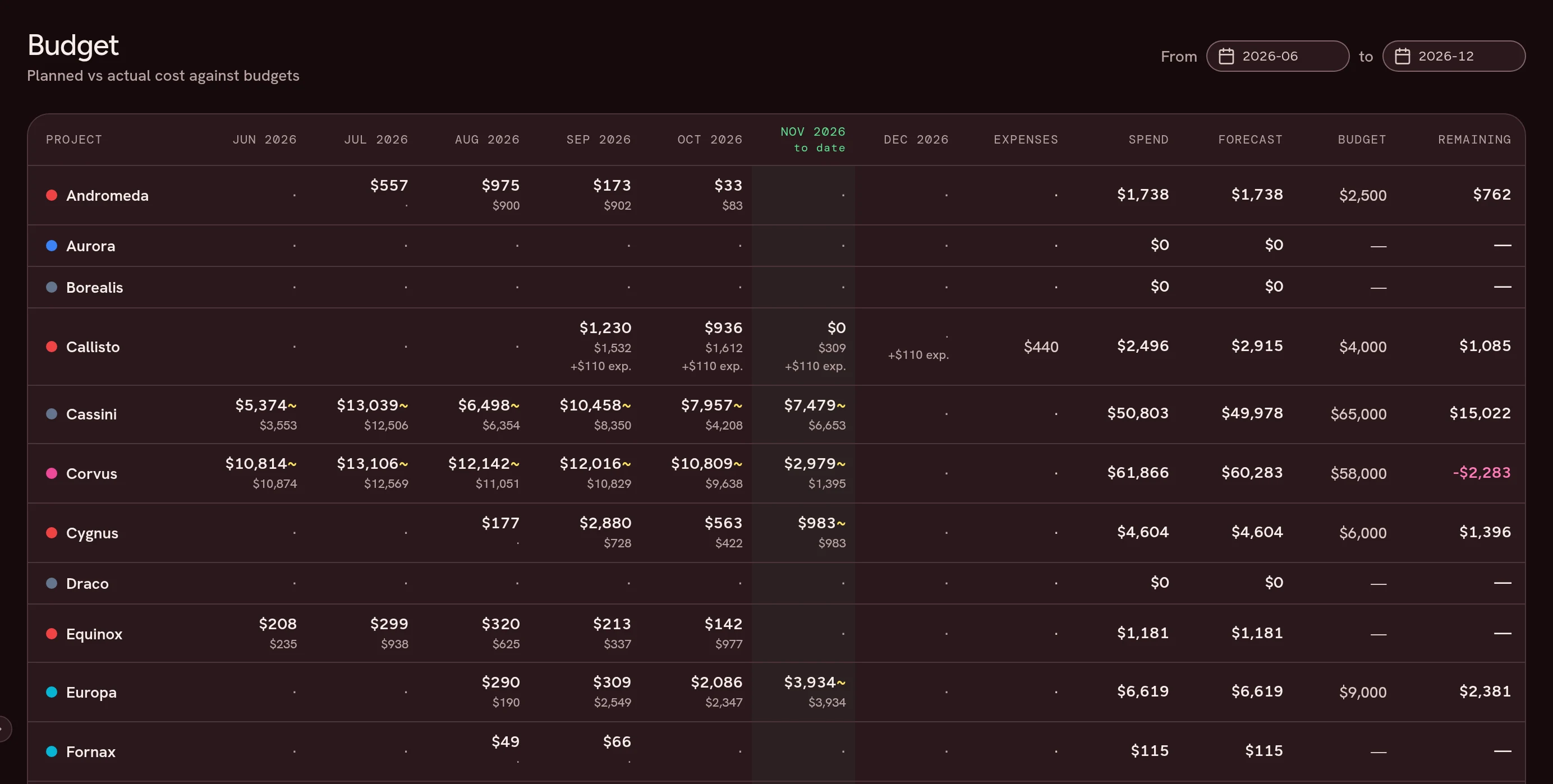
Budget, spend to date and forecast for every project, planned and actual kept apart. Split a project into phases with a fixed fee, and each phase shows whether it burns faster than time passes, its estimate at completion and its projected margin.
Per-person seats with price tiers, company-wide fees split per head, tools charged to each project that uses them, and plans shared between projects. Monthly, quarterly or annual prices. Leadership manages them; managers with budget access see their projects’ share.
HOW PLANNECS COUNTS
When someone logs 6 hours instead of 8, an hours × rate tool decides that day got cheaper. Plannecs starts from what you actually pay and uses logged hours only to split it between projects.
Try it · one team of ten · one month
Real cost your tool never saw
$18,200
this month (at 65% of the month logged).
What payroll actually paid
does not care what got logged
$52,000
What an hours × rate tool reports
shrinks with every unlogged hour
$33,800
YOUR AI ASSISTANT
Connect your AI assistant to Plannecs. It answers from the live plan, and brings those numbers into everything else you ask it about the company: a board update, a hiring plan, a client estimate.
How AI access works →You: Who could take on 4 hours a day from December 1?
Claude called plannecs · availability · Dec 1 – 31 · 4h a day
Claude: Three people. Maya Chen is free all month, Tom Weber from December 8, and Ines Soto until December 19, when her vacation starts. Everyone else is booked above that.
You: Book Maya on Borealis, 4 hours a day, December 1 to 19. Keep it tentative.
Claude called plannecs · create_allocation
Claude: Booked Maya Chen on Borealis, Dec 1 – 19, 4h a day, tentative; added Maya to Borealis’s team.
You: How is Atlas doing against its budget?
Claude called plannecs · project_financials
Claude: Atlas has spent $41,200 of its $50,000 budget, $1,900 of it on hosting and other expenses. On the current plan it finishes at $55,600, about $5,600 over.
QUESTIONS
From Jira Cloud: people, projects and every logged hour, synced every five minutes. You enter salaries, seats, subscriptions, budgets and time off in Plannecs; time off can also sync from PeopleForce, the HR system we connect to today. More HR systems and time sources are on the roadmap. Jira Server and Data Center are not supported.
No. People keep logging time in Jira exactly as they do today. Plannecs reads people, projects and worklogs from Jira and never writes anything back.
Leadership. Anyone else only with an explicit grant, per project or per team, and budgets and salaries are granted separately. A project manager can plan people without seeing what they earn. Money is removed on the server before anything reaches a browser.
Nothing. Leadership and managers work in Plannecs. Anyone else can sign in with their work email to see their own logged hours, with no password. A reminder nudges people when a working day is short of hours, and a Monday email recaps their week.
Managers enter time off by hand. If you use PeopleForce, for now the only HR system we connect to, approved time off can sync from it instead. Time off reduces someone’s availability on the plan; it never changes what they cost.
Your data lives in its own workspace, kept apart from every other company’s. Credentials for Jira and your HR system are stored encrypted, sign-in needs no password, and every change is in the audit log.
Yes. Connect Claude, or any assistant that speaks MCP, to your workspace. It sees only what you can see; making changes, budgets and salaries are each allowed separately, and every call is in the audit log.
Any. The owner picks the workspace currency, and every amount is shown and entered in it.
Pilots are free while we set them up with you. We will agree a price before anyone is asked to pay.
Request pilot access with the form below, or write to [email protected]. We create your workspace, connect your Jira with you, and you see your own company in it from the first sync.
REQUEST PILOT ACCESS
Plannecs runs our own software company every day: about 30 people across 14 Jira projects. We are onboarding pilot teams and setting each one up personally, straight from their Jira.